
Billing & payments
Stay on top of rent and resident balances.
Accept online payments and automate text and email reminders to residents and their billing contacts. Payments through Oathtrack update resident charts automatically, with manual payment recording available too.Automate payment reminders, accept online payments, and keep resident charts up to date.
No credit card required.
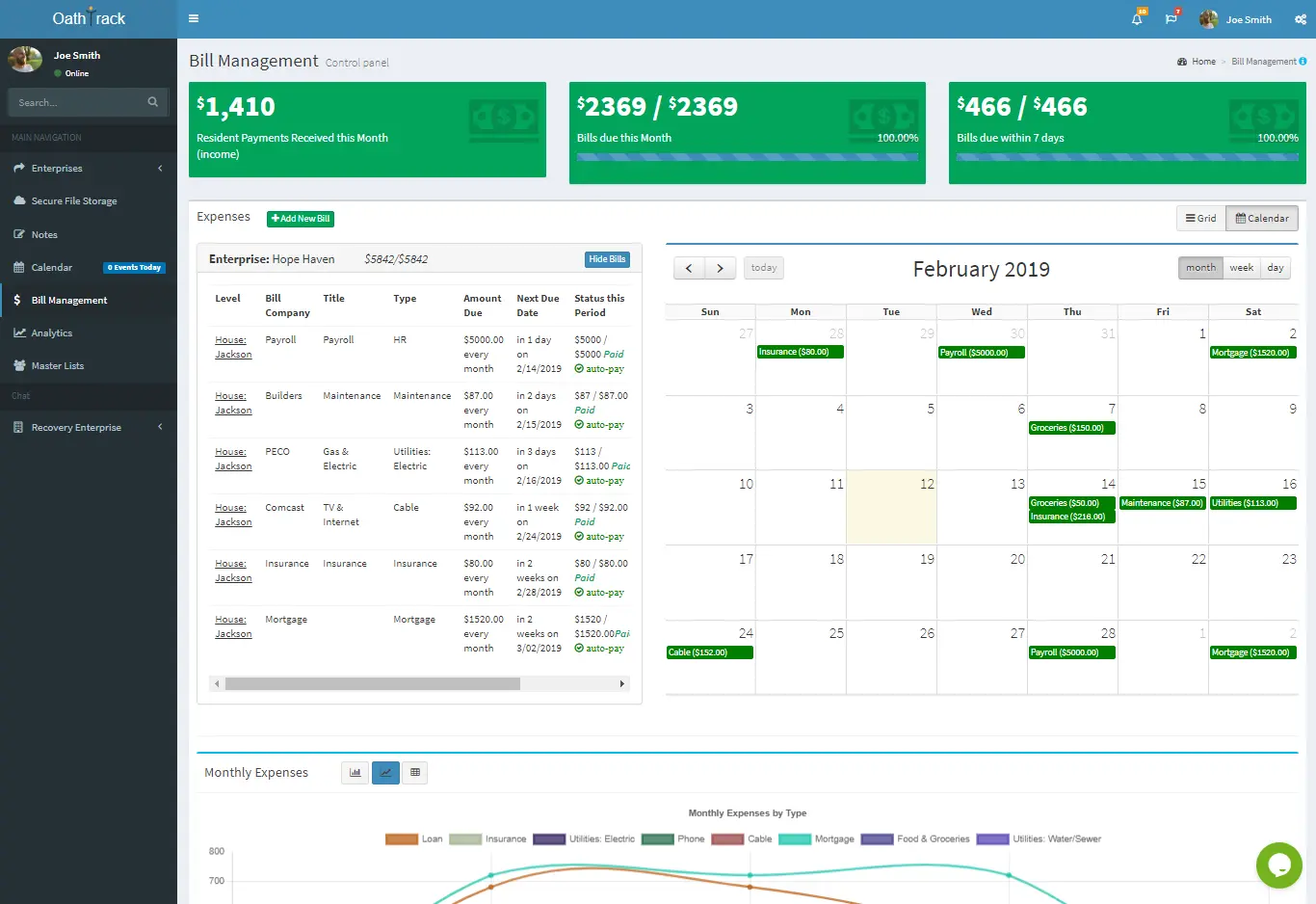
What you can do
Less chasing payments. Less updating records by hand.
Reach the people handling payment
Set up automated text and email reminders for residents and their designated billing contacts, so your team spends less time repeating the same follow-up.
Let online payments update the chart
After a resident or billing contact pays through Oathtrack, the resident’s payment record and balance update automatically. Staff can see what was paid without entering it again.
Keep every payment in the record
Record payments received outside Oathtrack manually. Review charges, payments, and balances in the resident chart, then print or save the payment history when needed.
- Send automated text and email reminders to residents and billing contacts.
- Payments through Oathtrack update resident charts automatically.
- Record payments received outside Oathtrack manually.
How it works
Set the rent schedule. Track each payment.
Connect Stripe from the Main Dashboard, then set the resident’s rent schedule and billing contacts. Choose your reminder schedule for upcoming charges. Payments through Oathtrack update the resident’s chart; staff can enter payments received elsewhere manually.
View setup instructions
Connect Stripe from the Main Dashboard, then set the resident’s rent schedule and billing contacts. Choose your reminder schedule for upcoming charges. Payments through Oathtrack update the resident’s chart; staff can enter payments received elsewhere manually.
- Connect payment processing and set rent schedules and billing contacts.
- Schedule text and email reminders so residents or billing contacts can pay online.
- Review updated charts and record any other payments manually.
Before you get started
Plans & common questions.
Online payments, automated text and email reminders, and manual payment recording are included with every plan. House expense management is available with Professional and Diamond. Payment-processing fees are separate from the subscription.
Compare plansCan reminders go to someone other than the resident?
Yes. Automated text and email reminders can go to residents and their designated billing contacts. Keep the relevant contact details and reminder preferences up to date.
Do we need to enter online payments again?
No. Online payments recorded through Oathtrack automatically update the resident’s payment record and balance.
Can we still record payments manually?
Yes. Staff can record payments received outside Oathtrack in the resident chart so the account history includes those payments too.
Can one payment cover several charges?
Yes. You can apply a lump sum to the resident balance or select multiple charges when adding a payment.
Can I print a resident’s financial history?
Yes. In the resident chart, open Printouts → Finance Reports → Charges & Pmts History. Choose Print or Save as PDF.
Ready to get started?
See how Oathtrack works for your home.
Start a free trial, or book a guided demo with our team.
No credit card required.